Time Blocking: A Comprehensive Guide to Getting More Done in Less Time

Chris Raroque

If you feel like there’s never enough time in the day, you’re not alone. We’ve all experienced days where we’ve felt overwhelmed with responsibilities and tasks and can’t seem to get ahead. Fortunately, there is a way to take control of your time and get more done in less time: time blocking.
Time blocking is a time management technique that helps you organize your tasks and prioritize them to get the most out of your day. It can be used to plan out your day, week, or month and make sure you’re making the most of your time. This guide will explain exactly what time blocking is, provide tips on how to use it, and provide examples of how you can use it to maximize your time and get more done in less time.
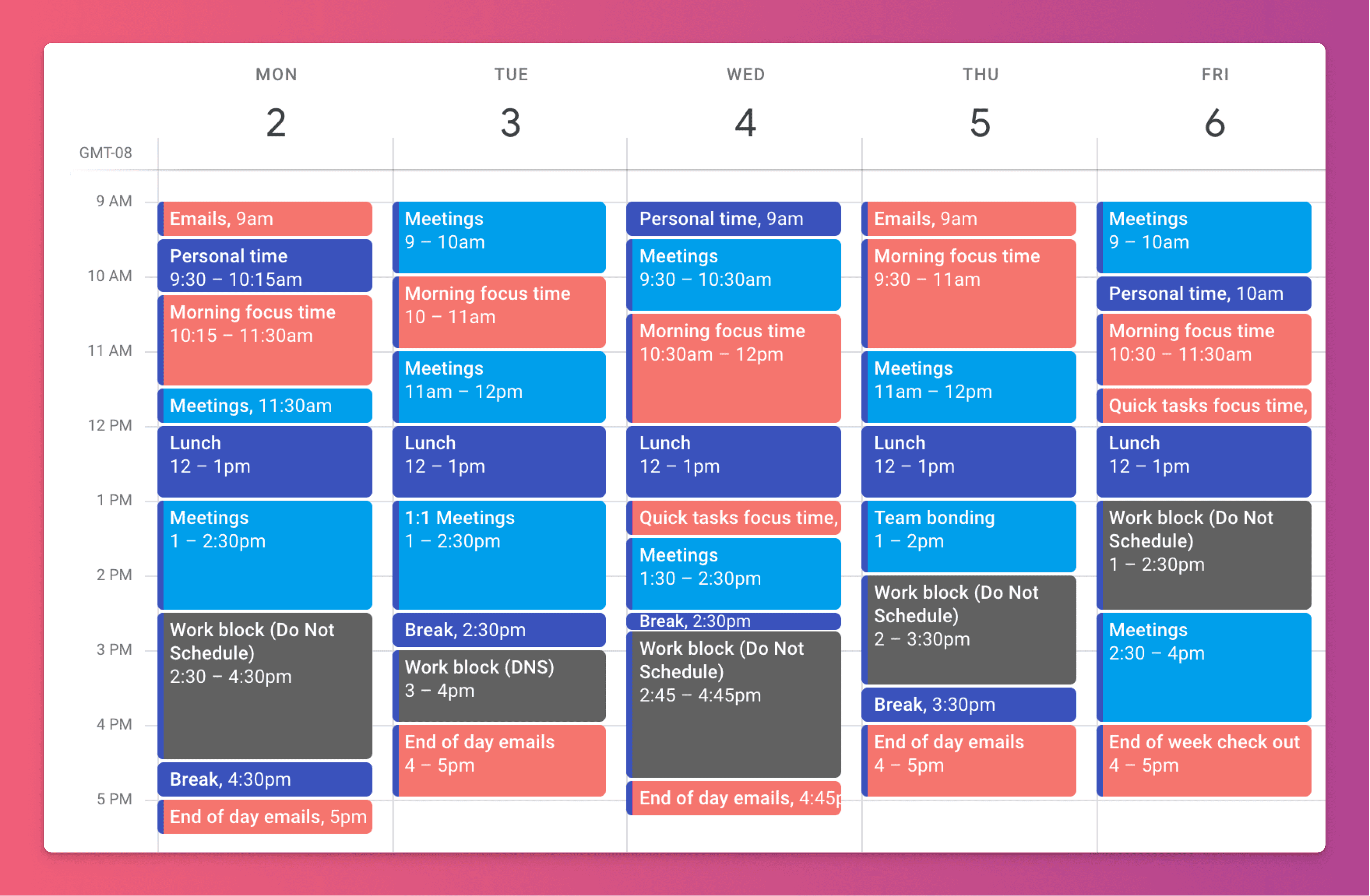
Here are the top pros and cons of using time blocking in more detail:
Time blocking pros:
Allows you to plan your day in advance and prioritize your tasks. By dividing your day into blocks of time, you can ensure that you are working on the most important tasks at the right times. This can help you to avoid distractions and to stay focused on your goals.
Helps you to manage your energy levels and avoid burnout. By dividing your day into blocks of time, you can better manage your energy levels and avoid overcommitting to too many tasks or activities. This can help you to stay energized and motivated throughout the day.
Reduces stress and helps you feel more in control of your time. By assigning specific tasks to specific blocks of time, you can avoid the overwhelm that comes from trying to juggle multiple tasks at once. This can help you to feel more in control of your time and to reduce stress.
Can improve your productivity and focus. By using time blocking, you can avoid multitasking and stay focused on one task at a time. This can help you to work more efficiently and to get more done in a given day.
Time blocking cons:
Can be difficult to stick to your schedule, especially if you are interrupted by unexpected events or tasks. Time blocking requires discipline and a willingness to stick to your schedule, even when unexpected events come up. This can be challenging, especially if you have a busy or unpredictable schedule.
Can be time-consuming to create and maintain your schedule. In order to use time blocking effectively, you need to spend time planning your schedule and then review it at the end of each day to make adjustments for the following day. This can be time-consuming, especially if you have a lot of tasks or activities to manage.
May not be suitable for everyone, especially those with busy or unpredictable schedules. Time blocking can be a great tool for managing your time, but it may not be suitable for everyone. If you have a very busy or unpredictable schedule, it may be difficult to stick to a fixed schedule and to avoid interruptions.
There are many different time blocking methods, and the right one for you will depend on your personal preferences and goals.
Five common time blocking methods to consider:
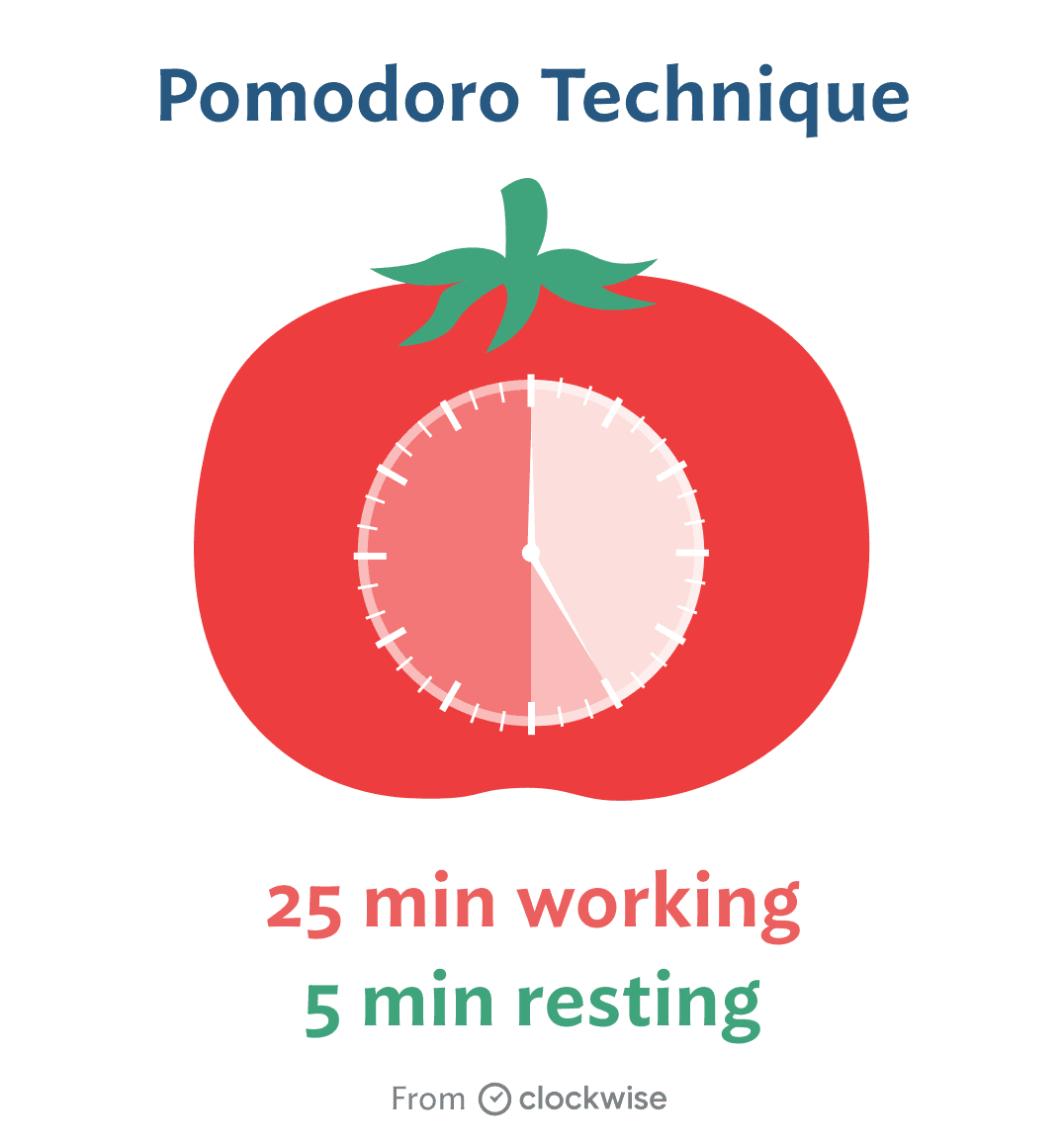
The Pomodoro Technique: This method involves working on a task for 25 minutes, then taking a short break. After four “pomodoros,” or blocks of 25 minutes, you take a longer break. This method is based on the idea that frequent breaks can help you stay focused and avoid burnout.
The 52/17 Method: This method involves working for 52 minutes, then taking a 17-minute break. The ratio comes from a DeskTime analysis of its most productive users rather than a controlled study, so treat it as a starting point.
The 90-Minute Method: This method involves working for 90 minutes, then taking a 20-minute break. It is loosely based on the idea of 90-minute ultradian rhythms. The evidence for planning work around them is limited, so test it on your own work.
The MIT Method: This method means choosing one to three most important tasks (MITs) for the day and giving them the first protected blocks, before email and small admin.
The Time Blocking Grid: This method involves creating a grid with the days of the week on the top row and the hours of the day on the left column. You then block out time for specific tasks or activities, making sure to leave some flexibility for unexpected events or tasks.
No matter which time blocking method you choose, the key is to be consistent and stick to your schedule. This can take some practice, but with time, you’ll be able to make the most of your day and get more done.
In addition to these techniques, there are also many tools and apps that you can use to help you with time blocking.

3 Popular time blocking tools include:
Ellie: This app lets you plan your week on a “Kanban calendar” and also drag those tasks into a calendar for true time boxing. It connects to Google, Apple and Outlook calendars so you can see your events alongside your tasks. This is a great option for students.

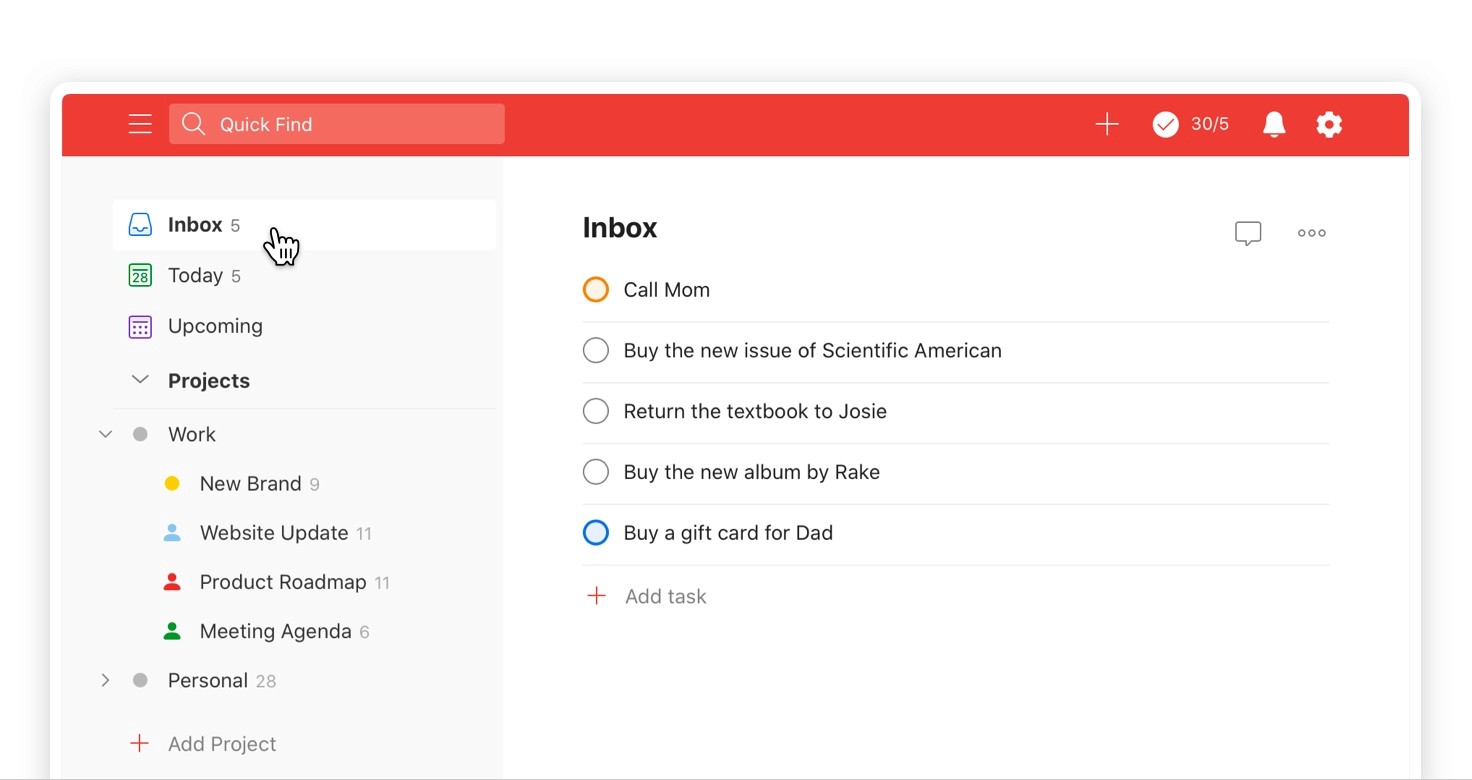
Todoist: This app allows you to create a schedule and to assign tasks and activities to specific blocks of time. It also includes features like reminders and a to-do list to help you stay on track.
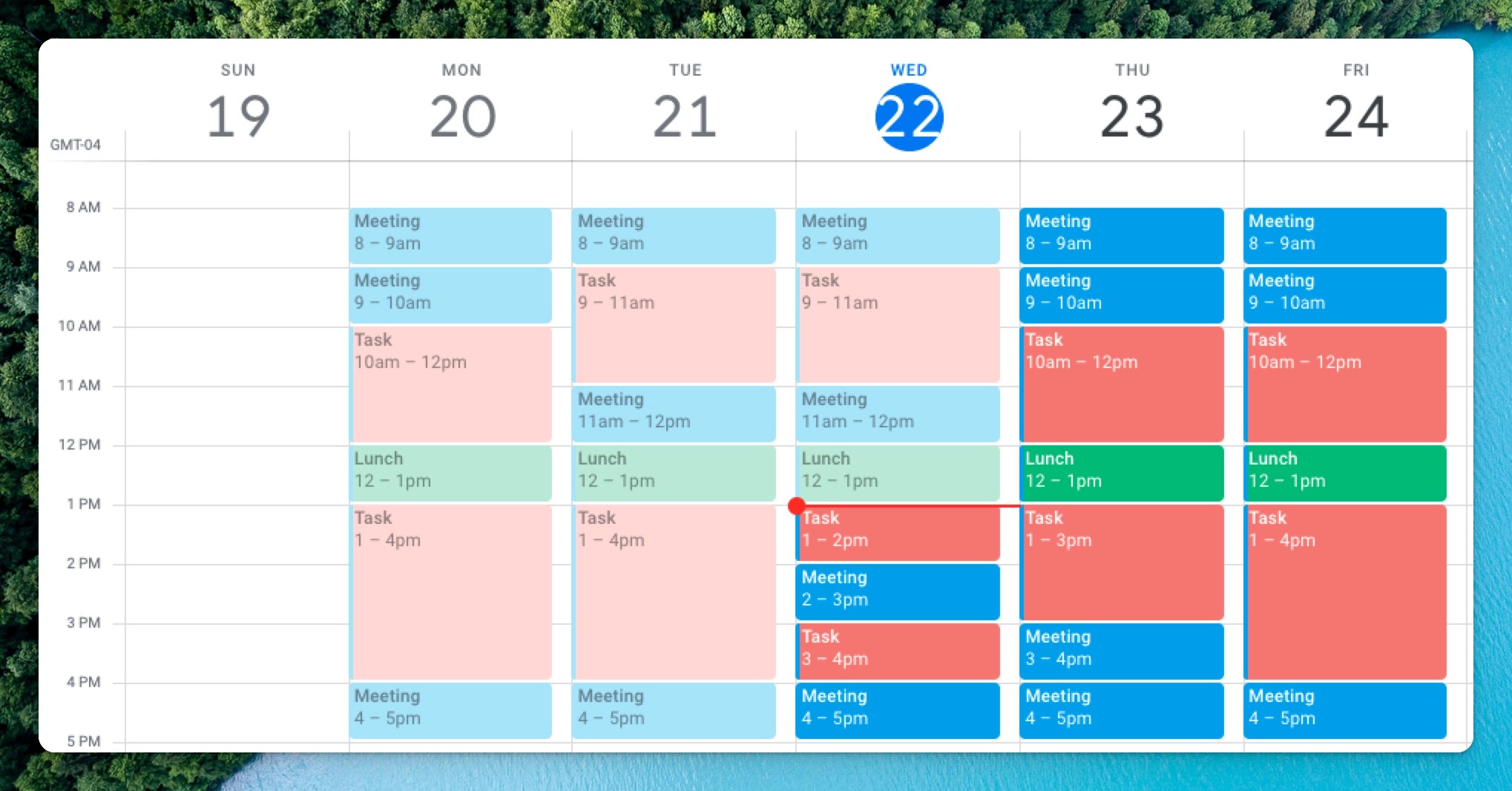
Google calendar: This might seem obvious, but a lot of people use Google calendar as a time blocking tool. We recommend creating a private calendar when doing this. You won’t be able to check things off, so we recommend using something like Ellie if you want to do that.
In conclusion, time blocking is a powerful time management technique that can help you to increase your productivity, reduce stress, and feel more in control of your time. By dividing your day into blocks of time and assigning specific tasks or activities to each block, you can better prioritize your tasks and avoid distractions. However, it’s important to be flexible and to allow for some wiggle room in your schedule. Give time blocking a try and see how it can improve your productivity and focus.

Ellie is the daily planner we make. It runs on Mac, Windows, the web, iPhone and iPad. You brain dump tasks, drag them onto the days of your week, and timebox them beside your Google, Apple or Outlook calendar events. It has a 7-day free trial, then costs $9.99 a month or $99.99 a year (see plans).
Frequently asked questions
What is time blocking?
Time blocking means planning your day as blocks on a calendar and assigning each block a task or kind of work, so you decide in advance when things get done.
Does time blocking work with an unpredictable schedule?
It can if you block fewer hours, treat fixed commitments as anchors and keep flexible windows and recovery time between them.
Can I time block in Google Calendar?
Yes. Many people use a private calendar for their blocks. Google Calendar can’t check tasks off, so a planner that shows tasks beside your calendar events helps if you want that.
Give your brain the night off
Dump everything into Ellie, give tomorrow a plan, and close the laptop.
Try Ellie free
Web, Mac, Windows, iPhone and iPad. 7-day free trial, cancel anytime.
