Sunsama vs Todoist (2026): Daily Planner vs Task Manager

Chris Raroque

Sunsama and Todoist are both popular productivity tools, but they solve fundamentally different problems. Todoist is one of the best pure task managers ever built. Sunsama is a daily planning tool designed to help you structure your day around your calendar. Comparing them head-to-head only makes sense if you understand what each one is actually trying to do.
This comparison breaks down the real differences — features, pricing, philosophy — so you can pick the right tool for how you actually work.
The fundamental difference
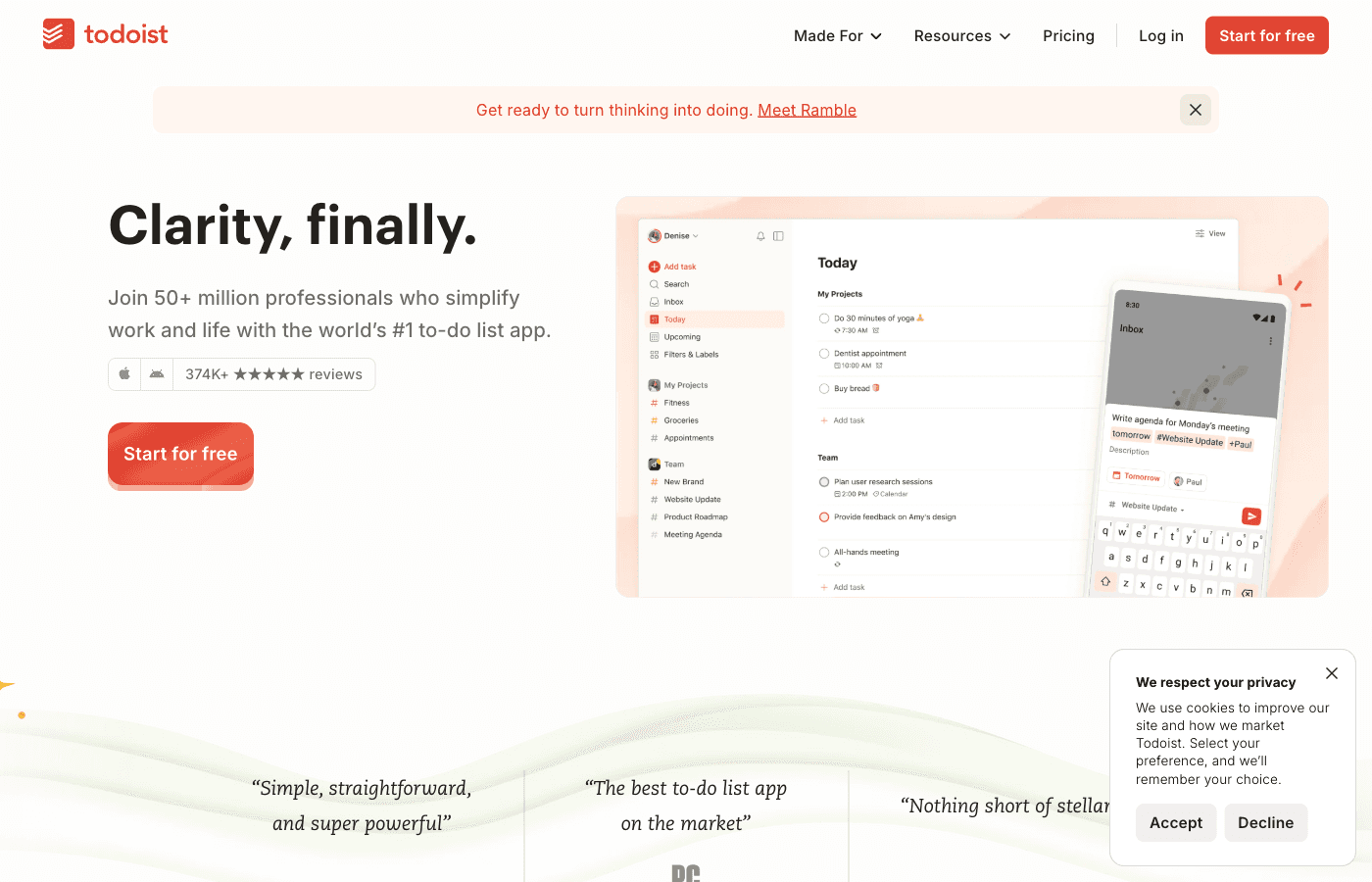
Todoist is a task manager. It captures, organizes, and tracks tasks across projects. It does this one job exceptionally well — with the best natural language input in the market, 300+ integrations, and a clean interface that stays out of your way.
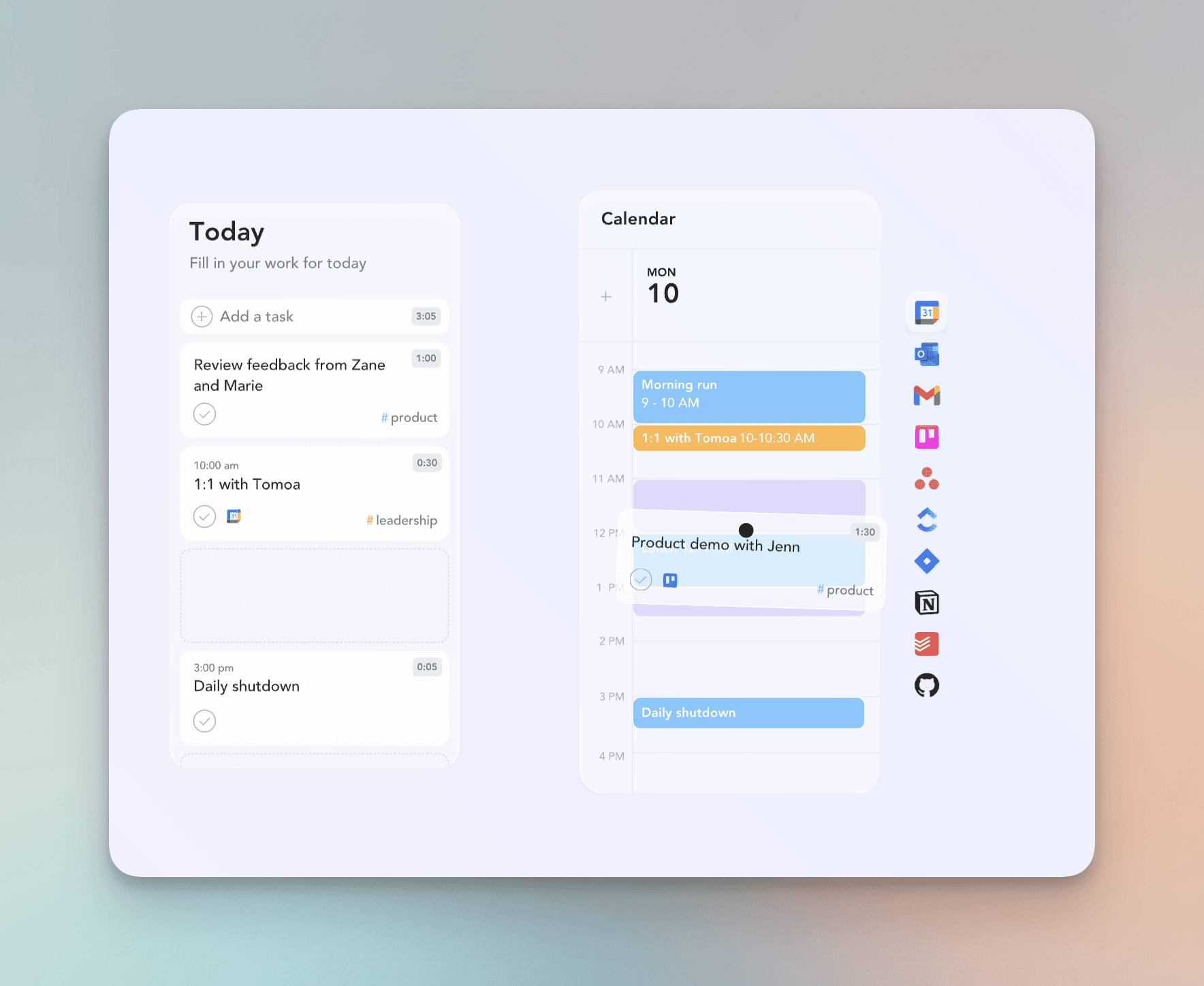
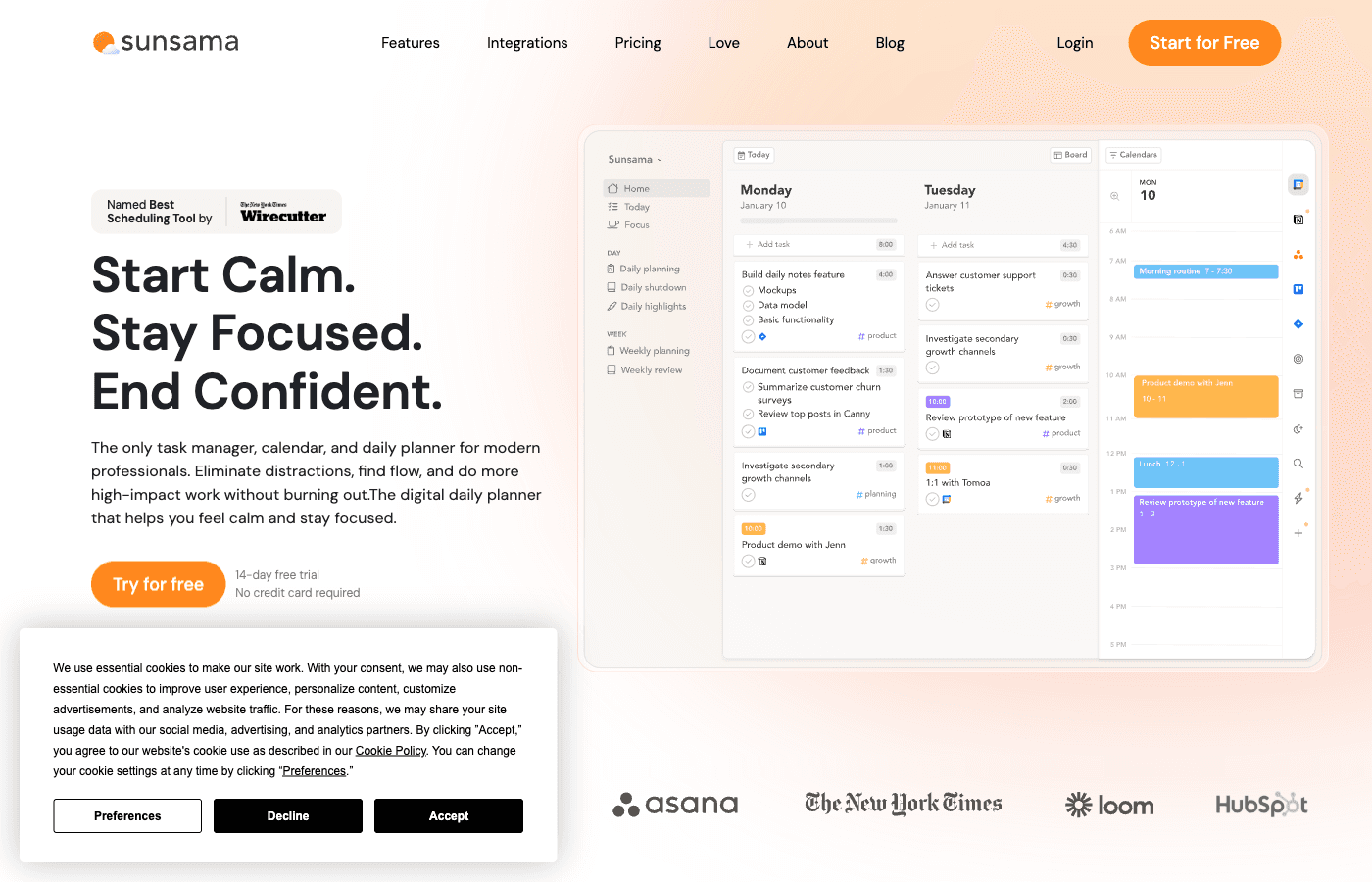
Sunsama is a daily planner. It pulls tasks from your existing tools (Todoist, Asana, Notion, Jira, Gmail, etc.), guides you through planning your day, and puts everything alongside your calendar. It doesn’t try to replace your task manager — it sits on top of it.
This means Sunsama and Todoist aren’t really competitors. Many people use both together — Todoist as the task inbox, Sunsama as the daily planning layer. But if you’re choosing one tool for your productivity stack, the decision depends on what you actually struggle with.
Feature comparison
Where Sunsama wins
The daily planning ritual
Sunsama’s signature feature is its guided daily planning flow. Each morning, it walks you through pulling tasks from your connected tools, estimating how long each will take, and comparing your task load against your available calendar time. If you’ve planned more work than you have hours for, Sunsama shows you — before the day starts.
Todoist has a “Today” view, but it’s a flat list. There’s no guidance, no capacity check, no intentional process. You see what’s due and you deal with it.
Calendar-first workflow
Sunsama puts your tasks directly on your calendar as time blocks. You see meetings and tasks in one view, which makes it easy to answer “when am I actually going to do this?” Todoist can sync with Google Calendar, but it’s a one-way view — tasks don’t live on your calendar as scheduled blocks.
Time tracking and capacity awareness
Sunsama tracks how long you actually spend on tasks and compares it to your estimates. Over time, you build real data about how long things take and how much you can realistically get done in a day. Todoist has no built-in time tracking — you’d need a third-party tool like Toggl or Clockify.
Task consolidation from multiple tools
If you use Asana at work, Todoist for personal tasks, and get action items from Gmail, Sunsama pulls from all of them into one daily view. It’s designed to be the aggregation layer for people whose tasks live across many apps.
Shutdown ritual
Sunsama includes an end-of-day reflection that helps you review what got done, carry forward what didn’t, and plan for tomorrow. This deliberate closure to the workday is something productivity coaches recommend but few tools actually build in.
Where Todoist wins
Natural language input
Todoist’s quick-add is unmatched. Type “Email Sarah about the proposal tomorrow at 2pm #Work p1” and Todoist parses the task name, due date, time, project, and priority in one shot. It’s the fastest task capture experience available. Sunsama’s task creation is functional but nowhere near as fluid.

Price
This is the most obvious difference. Todoist has a generous free plan and costs $5/month for Pro. Sunsama costs $20-25/month with no free tier. That’s a 4-5x price difference. For many people, this alone makes the decision.
Integration ecosystem
Todoist connects to over 300 apps — Slack, Gmail, Google Calendar, Zapier, IFTTT, Notion, and hundreds more. Sunsama integrates with about 15 tools. If your workflow depends on niche integrations, Todoist is far more flexible.
Project organization
Todoist excels at organizing large numbers of tasks across projects, with features like sections, labels, filters, and kanban boards. If you manage complex projects with many subtasks, Todoist gives you the structure. Sunsama is deliberately not a project management tool — it focuses on “what am I doing today?”
Team collaboration
Todoist’s Business plan ($10/user/month) includes shared projects, task comments, file attachments, and admin controls. Sunsama has limited team features. For team task management, Todoist is the clear choice.
Offline and speed
Todoist works fully offline and syncs when you reconnect. It’s fast on every platform. Sunsama requires an internet connection and can feel slower due to its calendar integrations.
Where both fall short
Todoist doesn’t help you plan your day. Its “Today” view is just a list of everything due. It doesn’t help you decide what to work on first, how long things will take, or whether you’ve overcommitted. It’s excellent at organizing tasks but provides no planning workflow.
Sunsama is expensive for what it does. At $20-25/month, it’s one of the priciest productivity tools available. For context, Google Calendar is free, Todoist Pro is $5/month, and a paper planner costs $20 once. The daily planning ritual is valuable, but paying $240+/year for it gives many people pause.
Neither handles timeboxing elegantly. Sunsama puts tasks on your calendar, but the experience can feel clunky compared to a native calendar app. Todoist doesn’t do timeboxing at all. If visual day planning is your priority, both tools leave something to be desired.
Pricing breakdown (2026)
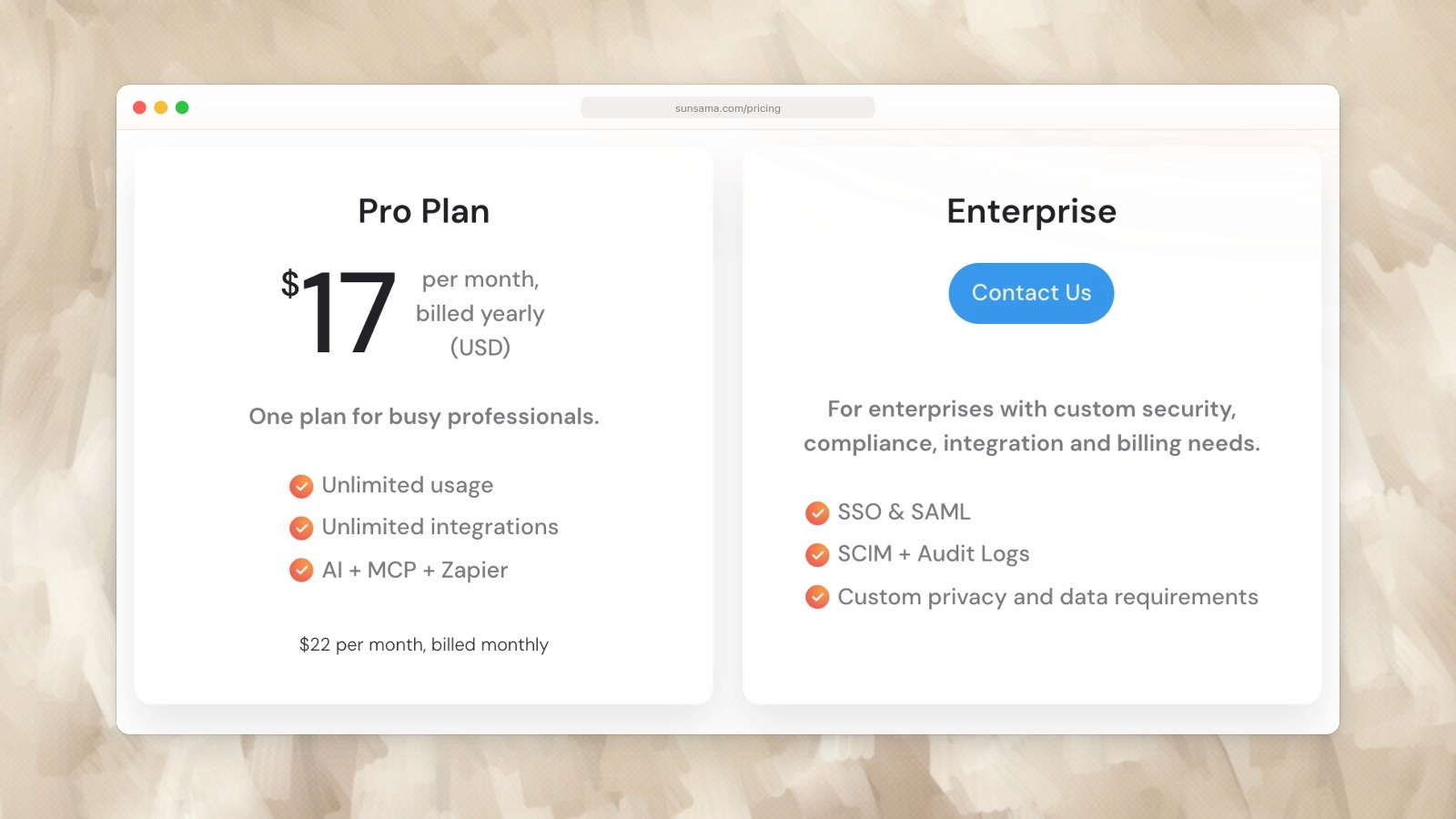
Sunsama Pro: US$17 per month billed yearly, or US$22 billed monthly. Captured September 19, 2026. Source.
Todoist is 4x cheaper annually. Sunsama justifies its premium with the daily planning ritual, time tracking, and calendar integration — but you’re paying significantly more for a narrower feature set.
Who should choose what
Choose Todoist if you: Need a fast, reliable place to capture and organize tasks. Are budget-conscious (free plan or $5/mo). Use lots of third-party tools and need integrations. Work on teams that need shared project management. Want the best natural language task capture. Prefer simplicity — one tool, one job.
Choose Sunsama if you: Struggle with deciding what to work on each day. Want a guided daily planning workflow. Need to consolidate tasks from multiple tools (Asana + Gmail + Notion, etc.). Value time tracking and capacity awareness. Are willing to pay a premium for intentional planning. Already use a task manager and need a planning layer on top.
A third option: daily planning without the premium price
If you want Sunsama’s daily planning approach but Todoist’s price point, Ellie is worth a look.
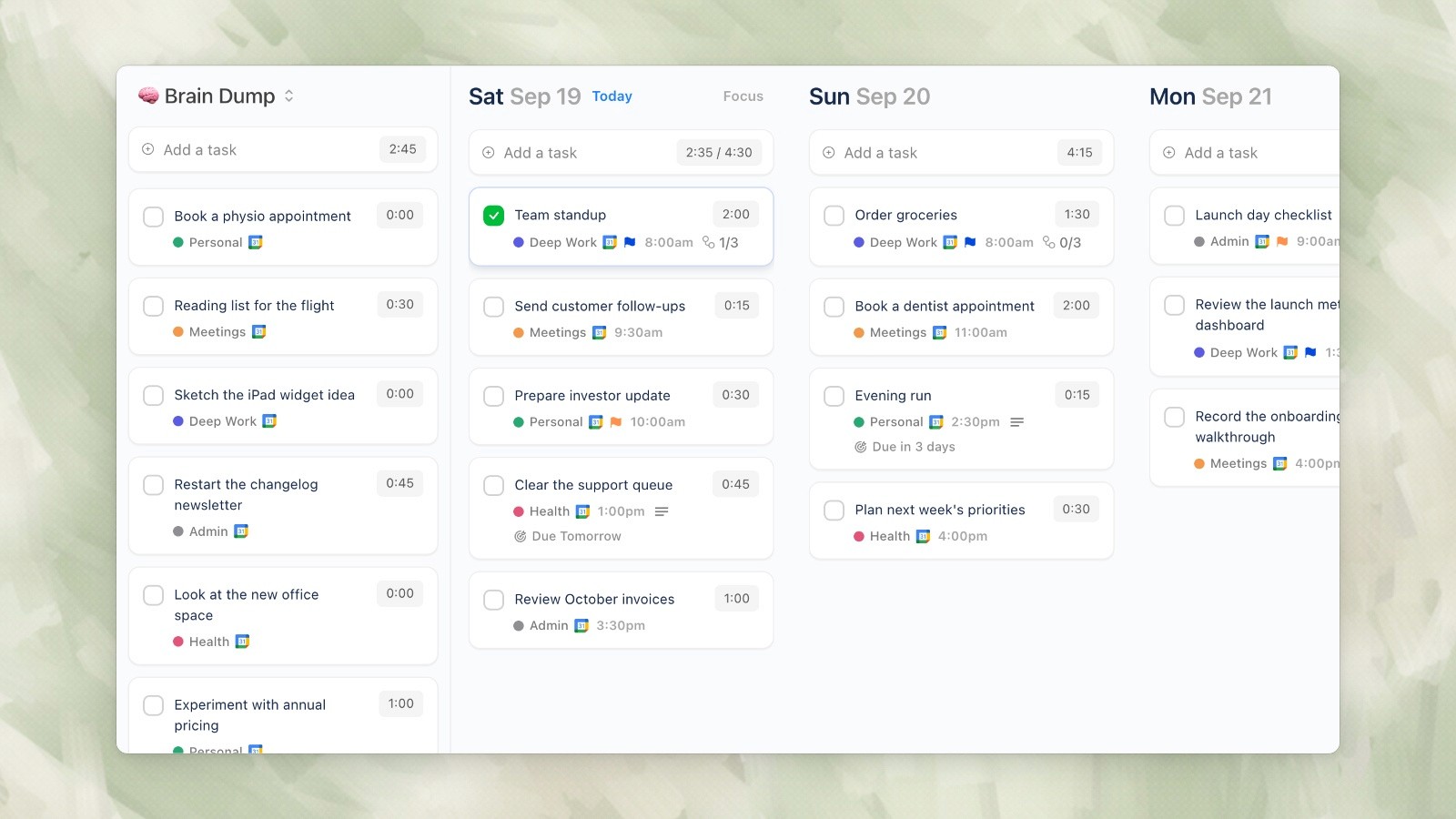
Ellie desktop demo data, captured September 19, 2026.
Ellie is a daily planner built around a simple workflow that combines what both Sunsama and Todoist do well:
Brain dump your tasks into one place (like Todoist’s quick capture)
Kanban view to drag tasks to specific days (visual planning like Sunsama)
Timebox view to schedule tasks on your actual calendar (Sunsama’s calendar integration)
Calendar integration with Google, Apple, and Outlook
Automatic task rollover so unfinished tasks come back tomorrow
Ellie doesn’t have Sunsama’s guided ritual or Todoist’s 300+ integrations. But it covers the core daily planning workflow — brain dump, prioritize, schedule — at a fraction of the cost.
Free to start, with the full experience at $9.99/month ($4.99/month with an education discount).
Related planning and app guides
Use the calendar vs. to-do list guide to decide whether you need a task manager or a planning layer. For mobile options, compare six daily planner apps for iPhone. You can also check the current Sunsama pricing and Todoist pricing.
Give your brain the night off
Dump everything into Ellie, give tomorrow a plan, and close the laptop.
Try Ellie free
Web, Mac, Windows, iPhone and iPad. No credit card required.
